
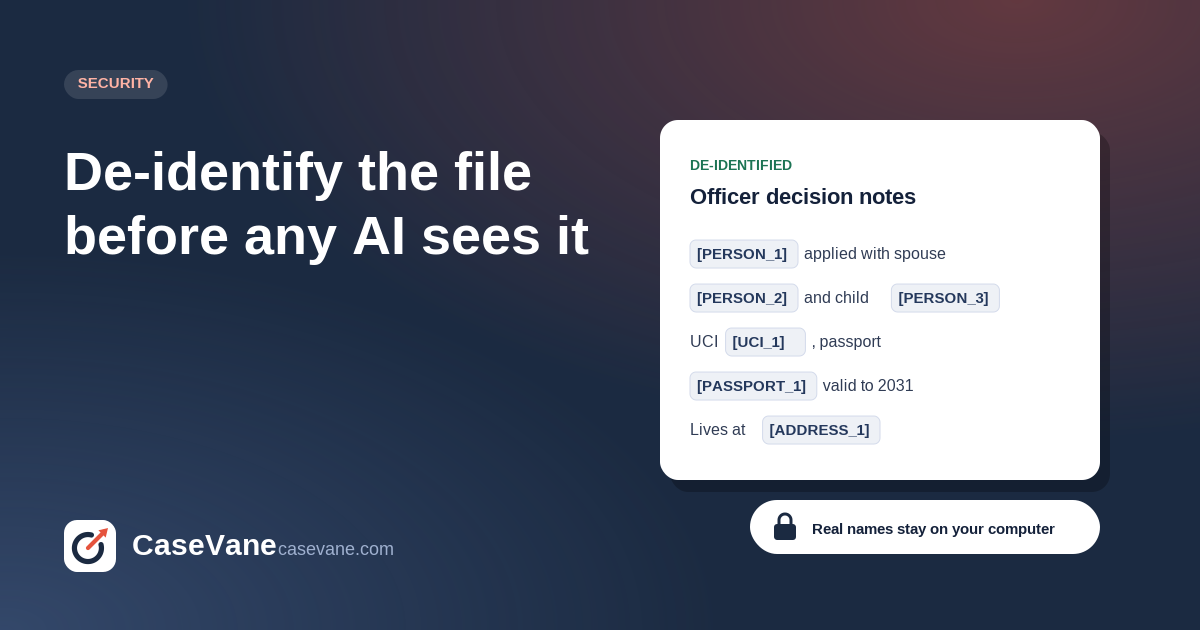
The goal: keep the reasoning, lose the identity
De-identifying a file for AI is not the same as redacting it for disclosure. A redacted document hides information; a de-identified one replaces it, consistently, so the facts still make sense. "[PERSON_1] married [PERSON_2] on [DATE_1] and their child [PERSON_3] lives with [PERSON_2] in [ADDRESS_1]" still lets a model analyse ties to home country. "████ married ████ on ████" does not.
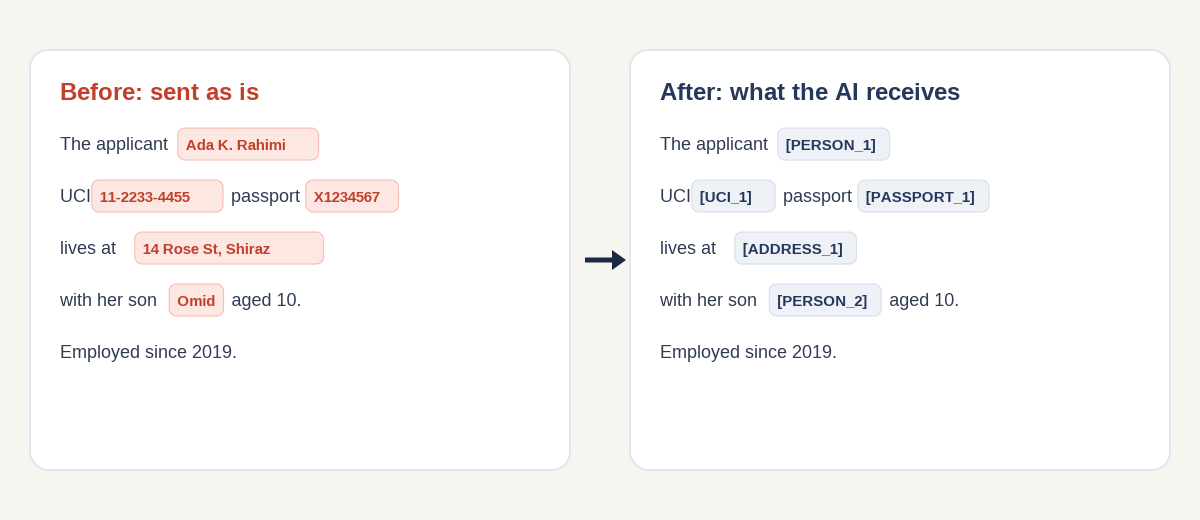
Step 1: direct identifiers, always
These identify a person on their own. Replace every one, everywhere it appears:
| Identifier | Where it hides in an immigration file | Placeholder |
|---|---|---|
| Names | Applicant, spouse, children, parents, hosts, employers' contacts, the officer's salutation, email signatures | [PERSON_1] |
| UCI and application numbers | Letter headers, every page footer, file names | [UCI_1] |
| Passport and ID numbers | Biodata page, travel history, visa counterfoils | [PASSPORT_1] |
| Dates of birth | Forms, family information, ages computed in submissions | [DOB_1] |
| Addresses, phones, emails | Letterheads, invitations, employment letters, bank statements | [ADDRESS_1] |
Use the same placeholder for the same value every time, including spelling variants such as a surname written in capitals or with a middle name.
Step 2: indirect identifiers, case by case
Some details identify a person only in combination: an uncommon nationality, a small hometown, an exact job title at a named employer, a rare medical condition, a specific event reported in the news. Ask whether the legal question needs the exact detail. A visitor visa analysis needs "employed as a senior engineer since 2019", not the company's name; it needs "two children in the home country", not their schools.
Keep what the legal reasoning depends on: dates that affect deadlines, amounts that affect financial sufficiency, the travel history the officer relied on. Hide what only identifies.
Step 3: beware of PDF traps
- Visual boxes are not redaction. A black rectangle over text usually leaves the text layer intact, and AI tools read the text layer.
- Scans are pictures. Text-extraction tools cannot read them, and image-reading tools read everything, including stamps and handwriting.
- Metadata travels. Document properties, comments and earlier versions can carry names.
- File names count. "Smith_John_Refusal.pdf" undoes careful work inside the file.
Step 4: review the outgoing text, then keep the key
Read the exact text that will be sent, not the original file. Automatic tools miss things; so do tired people. Then keep the list that links each placeholder to its real value on your own computer, and put the real names back only after the draft comes back.
How CaseVane automates the four steps
- Your browser extracts the text from text-layer PDFs; scanned pages are refused rather than guessed, and the files are never uploaded.
- A small name-recognition model (GLiNER) runs in your browser alongside fixed patterns for UCI and application numbers, and replaces names, numbers, dates of birth, addresses, phones and emails with consistent placeholders.
- You see the de-identified text with every placeholder highlighted, and can select anything missed and press Hide selected text.
- The placeholder map stays in your browser tab; the finished draft comes back sealed to that tab, and the real names are put back only there.
Indirect identifiers remain your judgment: use your own file reference rather than the client's name, and hide details the draft does not need. See how CaseVane keeps client files private for the encryption that follows.
This article is general information for licensed professionals, not legal advice. Check the current text of the Act, the Regulations and IRCC's instructions before relying on any point.