
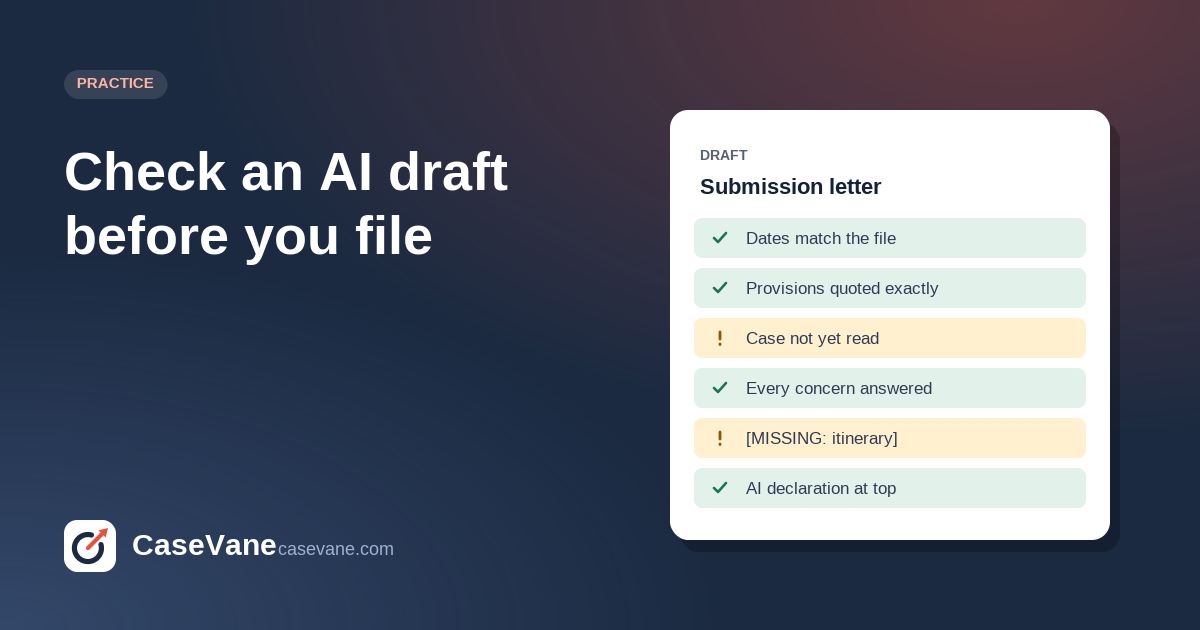
Why a checklist
AI drafting tools save real time on the first version of a submission. They also make a particular kind of mistake: confident, well-written statements that are slightly wrong. A wrong date, a provision paraphrased as a quotation, a case that does not say what the draft claims, or one that does not exist. The professional who files the document is responsible for all of it, so checking is not optional.
This checklist works for any AI-assisted draft, whichever tool produced it.
1. Facts against the source documents
- Check every date, amount, name, file number and relationship against the original document, not against the draft's own summary of it.
- Watch for values attached to the wrong event: an application date presented as the decision date, a balance from one month used for another.
- Watch for currencies: an amount in one currency restated in another without a source.
- Any statement of fact without a document behind it should be removed or supported.
2. Every provision in the current text
- Open each cited section of the Act and the Regulations in the consolidated version on the Justice Laws Website and compare the wording.
- Check that the quotation is a quotation: no paraphrase inside quotation marks, no merged subsections.
- Check the provision applies to this application type. A rule for study permits does not belong in a visitor visa submission.
3. Every case, read in full
- Confirm each case exists, with the right neutral citation and court.
- Read the paragraphs relied on. Existence is not support; AI tools often attach a real case to a principle it does not state.
- Prefer the governing authority you already know over a citation you would not otherwise have found.
4. What is missing
- Does the draft answer every concern in the refusal or the fairness letter, one by one?
- Has it invented evidence to fill a gap, or stated plainly what the file lacks?
- Does it predict an outcome? A submission should argue, not forecast.
5. Federal Court declaration
The Federal Court has issued a notice on the use of artificial intelligence in court proceedings. It asks parties and counsel to declare, in the document itself, when a document prepared for the litigation and submitted to the Court contains content created or generated by AI. Check the current notice on the Court's website and include the declaration where it applies.
6. Confidentiality
- Know where the client's information went while the draft was produced, and under which terms.
- Prefer tools that keep identifying details on your own computer and do not train on your documents.
- Record what you checked. If a question arises later, a short note of the verification is better than memory.
How CaseVane helps with the checklist
CaseVane is built to make these checks faster, not to replace them. Each draft comes with the facts not found in your documents, the lines its line-by-line check could not match, each case citation with whether it was found on CanLII, and a critic's review from a different AI model family. Gaps are written as [MISSING: …], Federal Court documents carry the AI declaration at the top, and client names are hidden in your browser before anything is sent. You still read, correct and adopt every line.
This article is general information for licensed professionals, not legal advice. Check the current text of the Act, the Regulations and IRCC's instructions before relying on any point.